# June 3rd, 2025

## Improvements

Improved the ProjectX integration to display only active accounts when connecting ProjectX to TradersPost. Previously, inactive accounts were also shown.
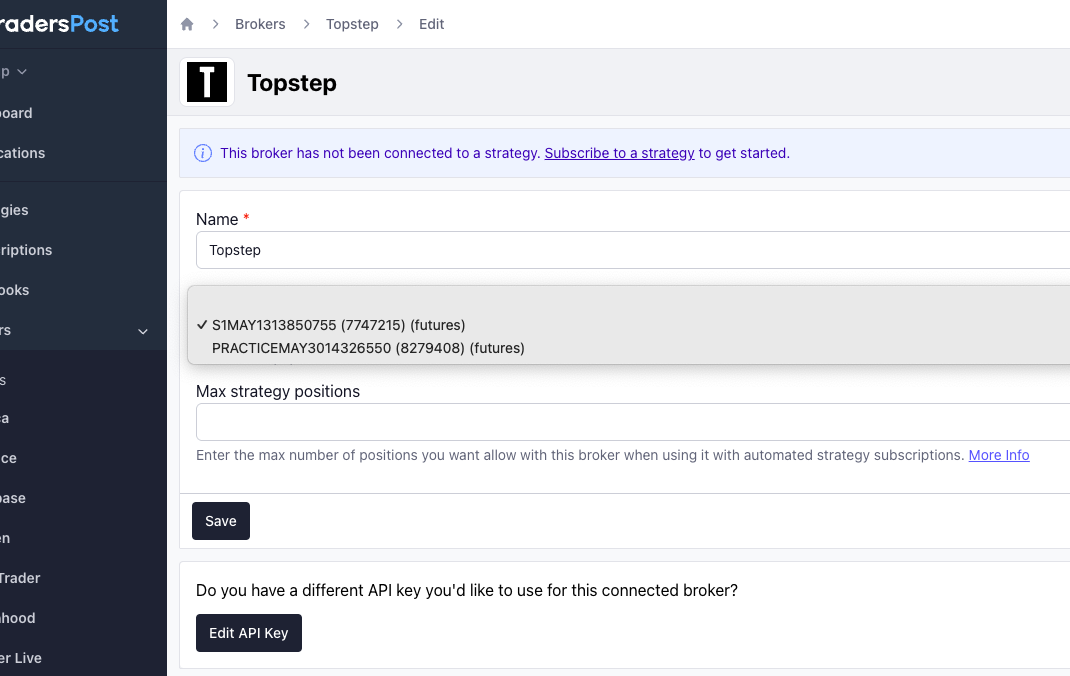
<figure><img src="/files/4SXa39bqF4RzSCyvHr5w" alt=""><figcaption></figcaption></figure>

Updated the default ticker from `NQ` to `MNQ` for futures strategies with `Allow any ticker` enabled. This affects the example orders and the default ticker shown when submitting a signal. You can still choose a different ticker manually.
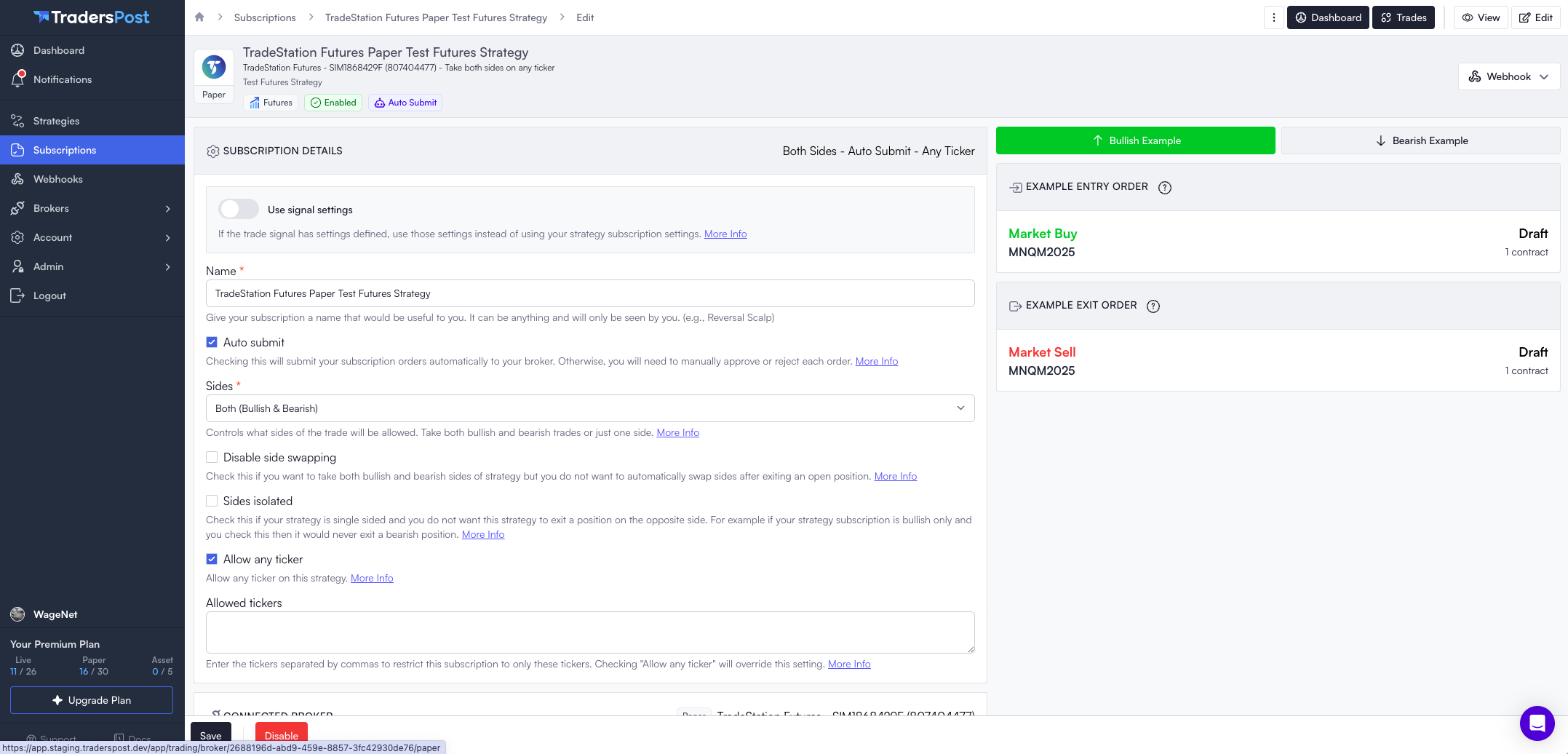
<figure><img src="/files/207QvWlmfz5BTxT5BIAv" alt=""><figcaption></figcaption></figure>

Add shortcut to the dashboard to connect a paper or live prop firm account. When you use this shortcut, it takes you directly to the choose a broker flow with the prop firms filter applied.
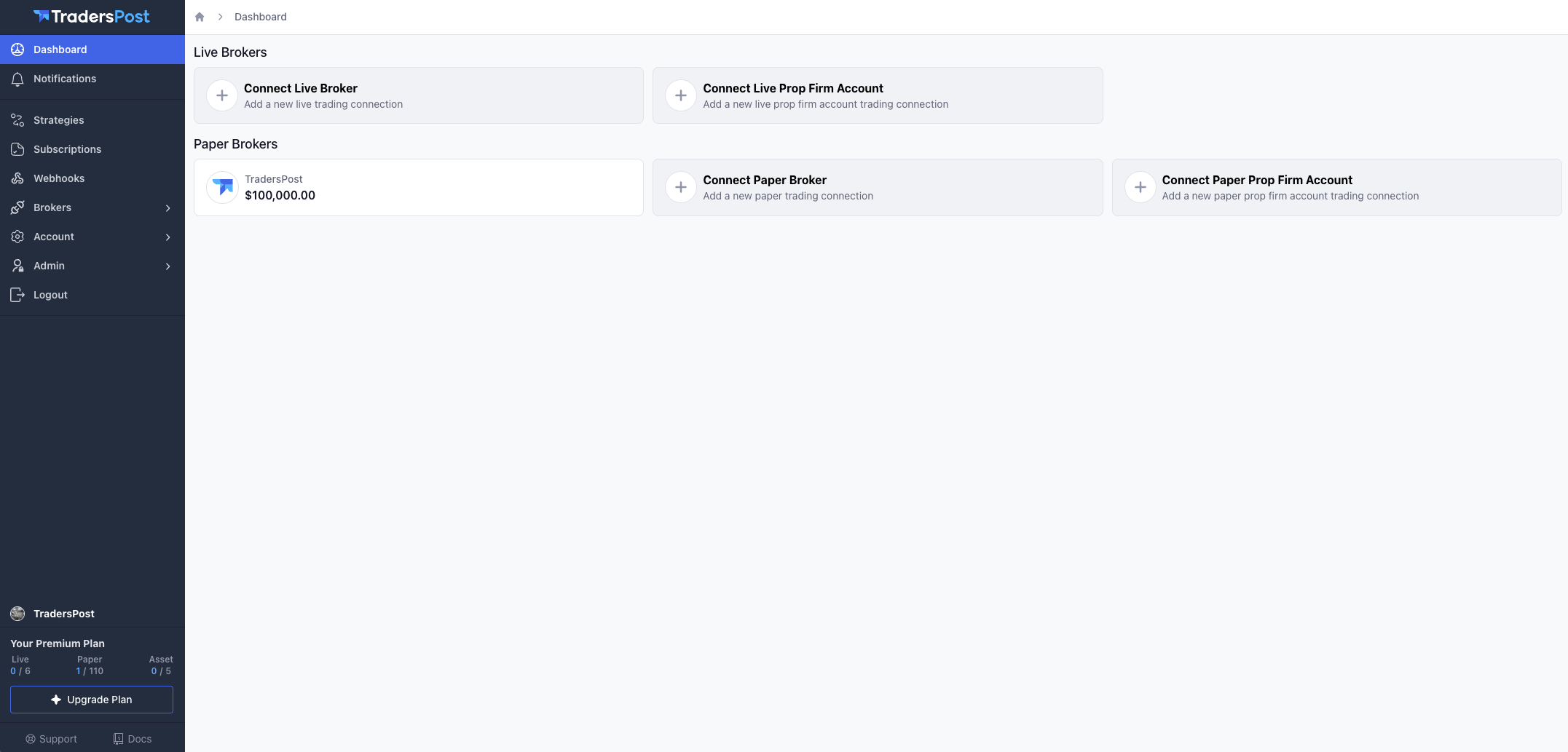
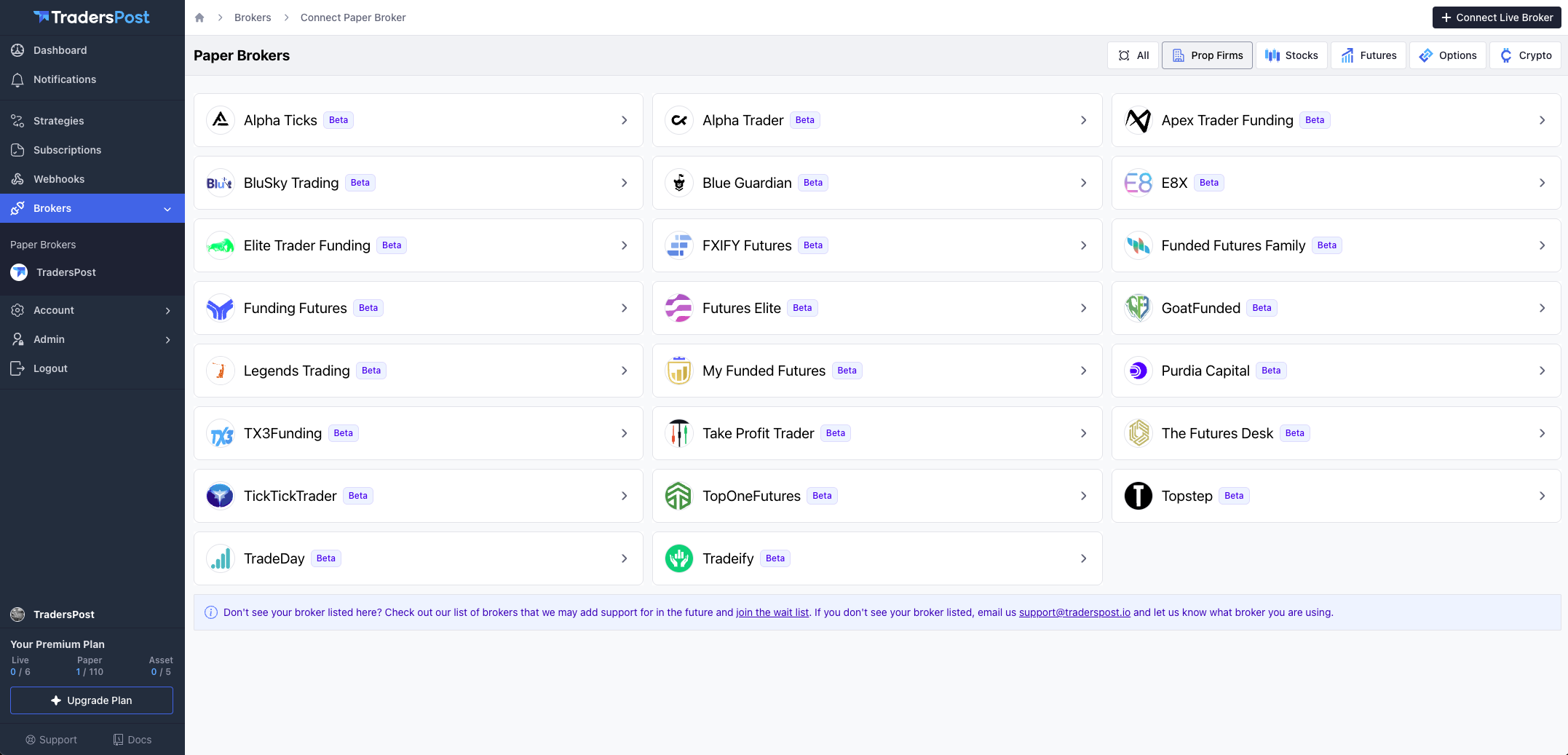
<div><figure><img src="/files/uqpe6msq5OlZLxNY0lIS" alt=""><figcaption></figcaption></figure> <figure><img src="/files/ppnkA93PLcuGLISEokpU" alt=""><figcaption></figcaption></figure></div>

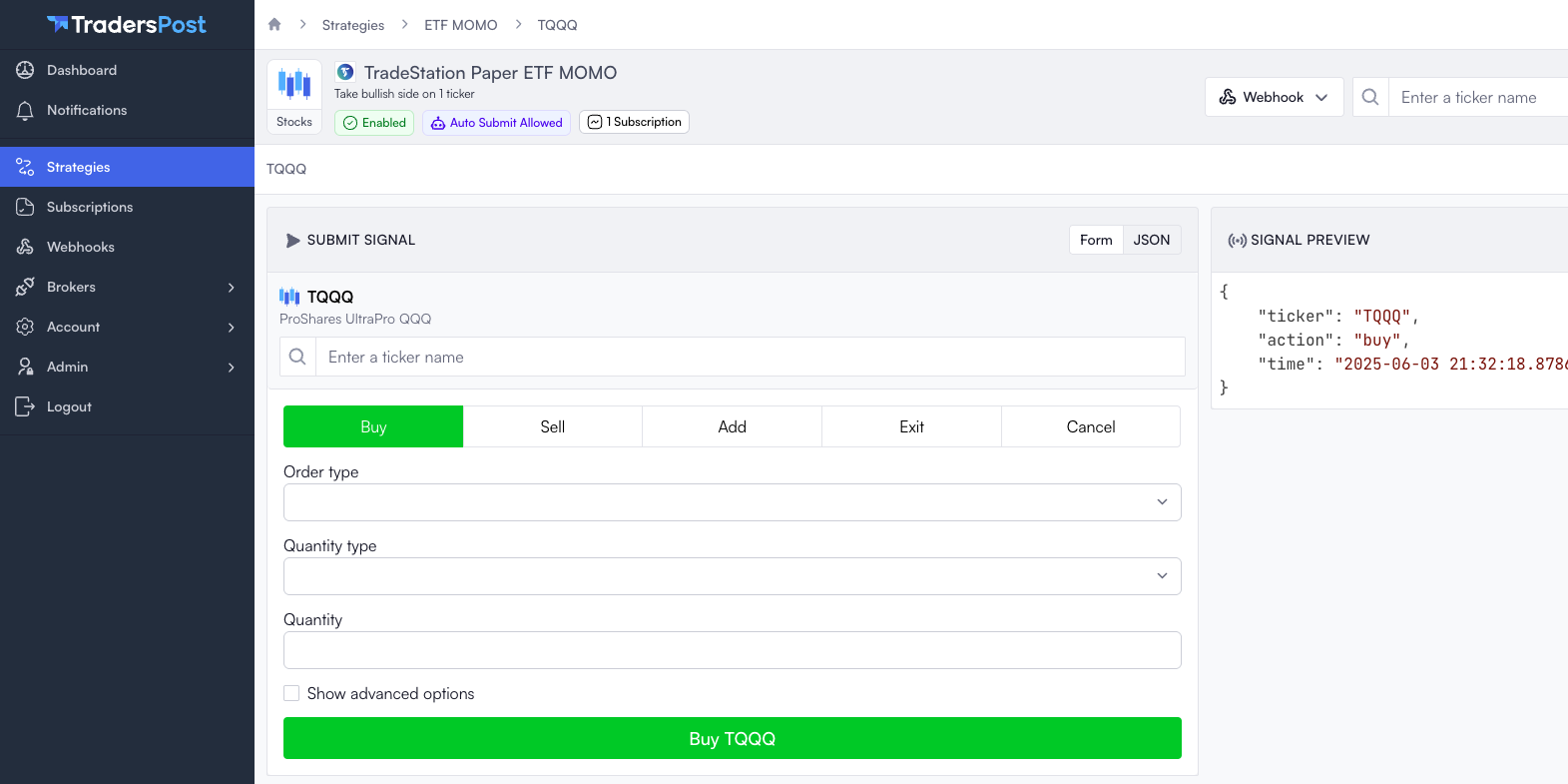
Improved the Submit Signal interface to clearly display the selected ticker and added a simpler way to switch tickers.
<figure><img src="/files/Kd1tOpm5dXXG29mDHgeU" alt=""><figcaption></figcaption></figure>

## Bug Fixes

* Fixed a bug that caused a 500 Internal Server Error when an error response was received from the ProjectX API.
* Fixed a bug where access tokens for certain prop firm connections, such as Topstep via Tradovate, were not automatically refreshing as expected.
* Fixed a  bug with ProjectX point value being set to tick value incorrectly.


---

# Agent Instructions: Querying This Documentation

If you need additional information that is not directly available in this page, you can query the documentation dynamically by asking a question.

Perform an HTTP GET request on the current page URL with the `ask` query parameter:

```
GET https://docs.traderspost.io/releases/old-releases/june-3rd-2025.md?ask=<question>
```

The question should be specific, self-contained, and written in natural language.
The response will contain a direct answer to the question and relevant excerpts and sources from the documentation.

Use this mechanism when the answer is not explicitly present in the current page, you need clarification or additional context, or you want to retrieve related documentation sections.
