Improved Brokers Page
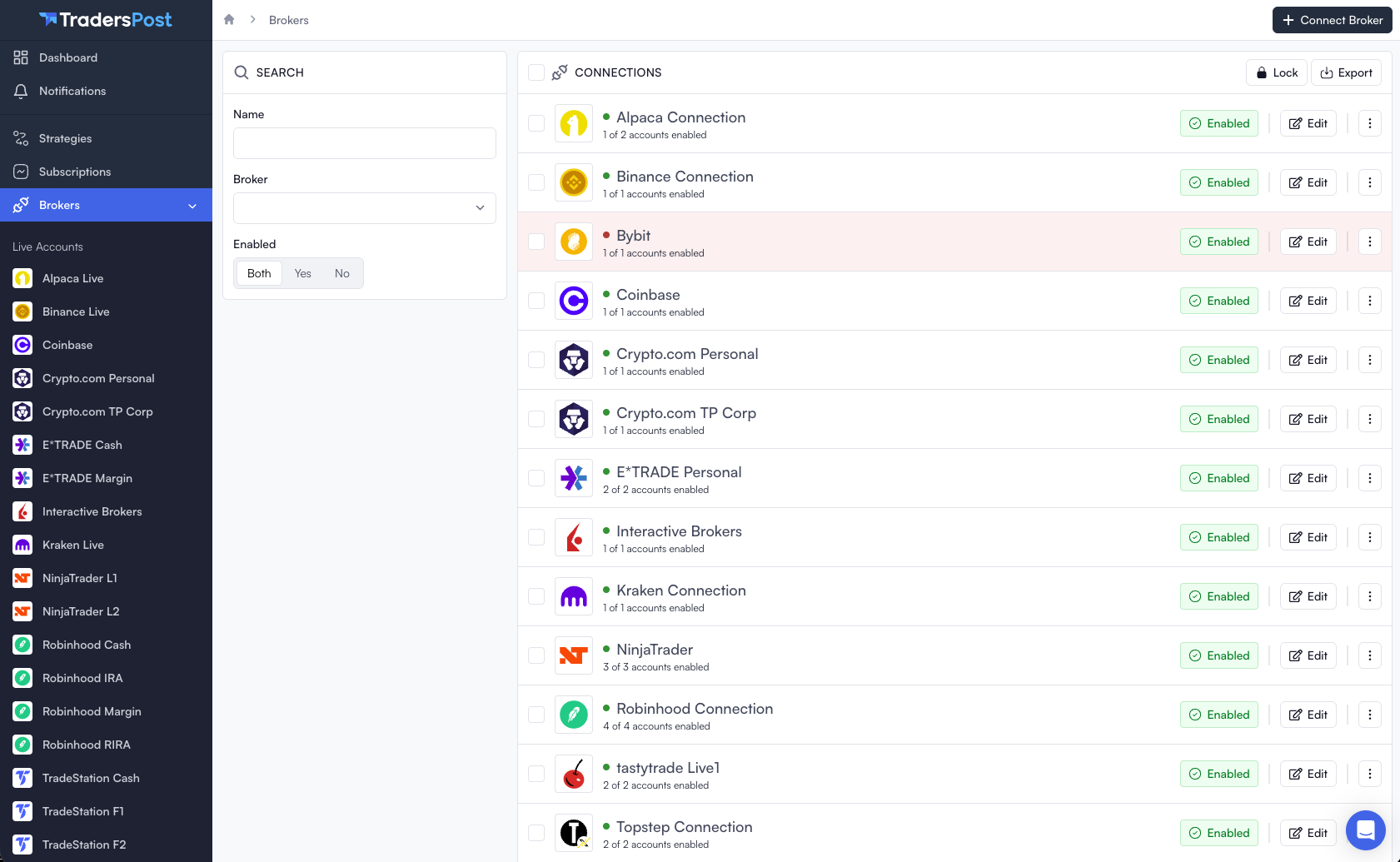
We've improved the Brokers page to make it easier and faster to manage large numbers of broker connections.
- Added search to quickly find broker connections by name or broker
- Improved performance for customers with a large number of broker connections
- Reduced loading time and improved responsiveness when viewing or filtering connections
IBKR Connection Reliability
We've added a new experimental option to help improve connection reliability with Interactive Brokers.
TradersPost infrastructure uses multiple outbound IP addresses for redundancy and reliability. Because of this, requests sent to Interactive Brokers may come from different IP addresses over time.
Interactive Brokers has informed us that their API expects requests for a trading session to consistently come from the same IP address. When requests come from different IP addresses, it can cause reliability issues or failed requests.
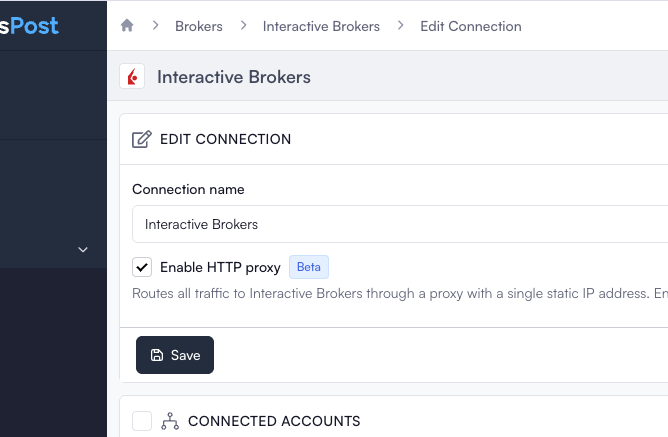
You can now enable the new HTTP Proxy option on your Interactive Brokers connection. When enabled, all traffic for that connection will be routed through an HTTP proxy with a single static IP address.
This feature is currently optional and experimental while we evaluate whether it improves Interactive Brokers connection reliability.
PnL-Based Take Profit and Stop Loss
You can now configure take profit and stop loss levels based on a desired profit or loss amount instead of a price, percent, or dollar offset.
TradersPost automatically converts the desired PnL amount into the correct take profit limit price or stop loss stop price before the order is sent to the broker.
The calculated price is based on:
- The planned entry price
- The quantity being traded
- The symbol's point value
For example:
- Futures use the dollar value per point for the contract
- Standard equity options use the contract multiplier, typically 100 per contract
Take Profit PnL Amount
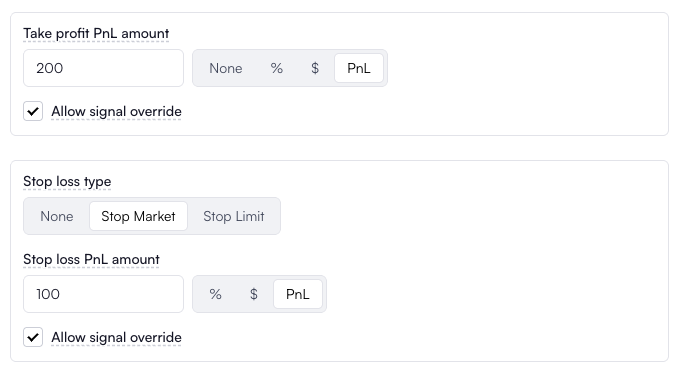
Use the Take profit PnL amount field to set a portfolio profit target in dollars.
For example, if you enter $200, TradersPost will calculate the take profit limit price required to generate approximately $200 of profit based on the quantity and point value of the symbol.
You can also send a PnL-based take profit directly in your webhook using takeProfit.pnlAmount:
{
    "ticker": "AAPL",
    "action": "buy",
    "orderType": "limit",
    "limitPrice": 100,
    "takeProfit": {
        "pnlAmount": 100
    }
}
Stop Loss PnL Amount
You can also configure a stop loss based on a desired dollar loss.
Use the Stop loss PnL amount field to specify the maximum loss amount you are willing to take on the position.
For example, if you enter $100, TradersPost will calculate the stop loss stop price required to limit the position to approximately $100 of loss based on the quantity and point value of the symbol.
You can also send a PnL-based stop loss directly in your webhook using stopLoss.pnlAmount:
{
    "ticker": "AAPL",
    "action": "buy",
    "orderType": "limit",
    "limitPrice": 100,
    "stopLoss": {
        "type": "stop",
        "pnlAmount": 100
    }
}