Bid-Ask Spread Filter Enhancements
We've introduced the bidAskSpreadFilter to signals, allowing you to manage it directly from the signal settings, in addition to the strategy settings.
Example:
{
    "ticker": "SPY",
    "action": "buy",
    "bidAskSpreadFilter": 0.02
}
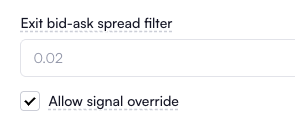
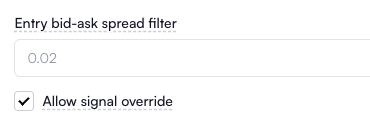
Additionally, we've added the Exit bid-ask spread filter to the strategy settings, complementing the existing Entry bid-ask spread filter. This enhancement enables control over both entry and exit spread filters directly from your strategy settings.
New Feature: Override Market Price Type in Signal
You can now specify the market price type directly in the signal, giving you control over which quote value to use when planning a trade. Previously, this option was limited to the strategy settings, but now you can override it from the signal itself.
Example:
This example demonstrates how to set up a limit order using the ask price for buy signals and the bid price for sell signals.
{
    "ticker": "SPY",
    "action": "buy",
    "orderType": "limit",
    "marketPriceType": "ask_bid"
}
Valid values are: ask_bid, mark, ask, bid, and last.
Enhanced "Close All" Functionality
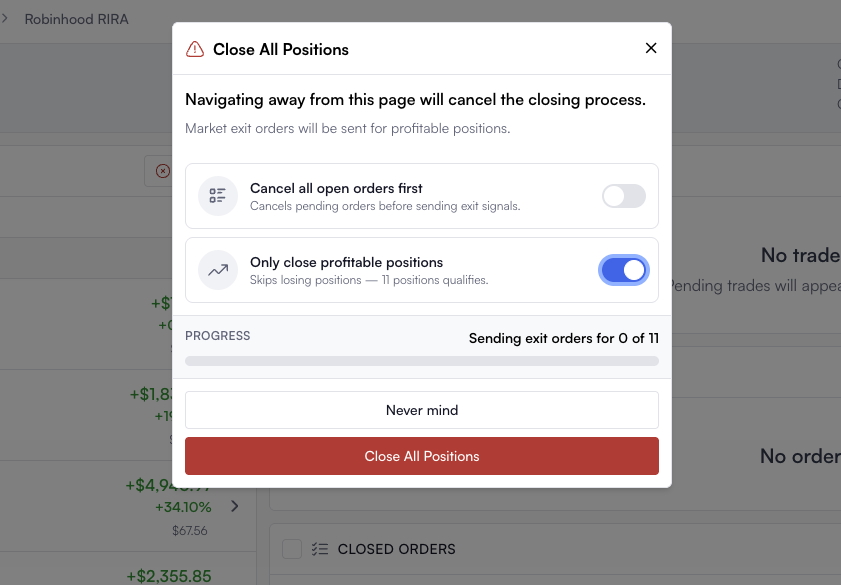
The Close All button on the broker dashboard now includes an option to close only the profitable positions.