Improvements
This release contains several different improvements mostly around the webhooks functionality.
JSON5 Parser
Users commonly have issues with the JSON that gets sent to TradersPost. To improve this, we adopted a new JSON5 parser that makes the JSON that we accept a bit more flexible. For example, you can now have trailing commas in your JSON.
Before, this JSON was invalid:
{
    "ticker": "TSLA",
    "action": "buy",
}
Notice the trailing comma on the 3rd line. This would have caused a JSON error previously. Now it will be accepted as valid JSON. You can read more about JSON5 here.
JSON Parse Errors
Due to us adopting a new JSON5 parser, we are now able to provide more specific error messages to help you identify what is wrong with your JSON. We will try to point out the specific line and column where the error exists.
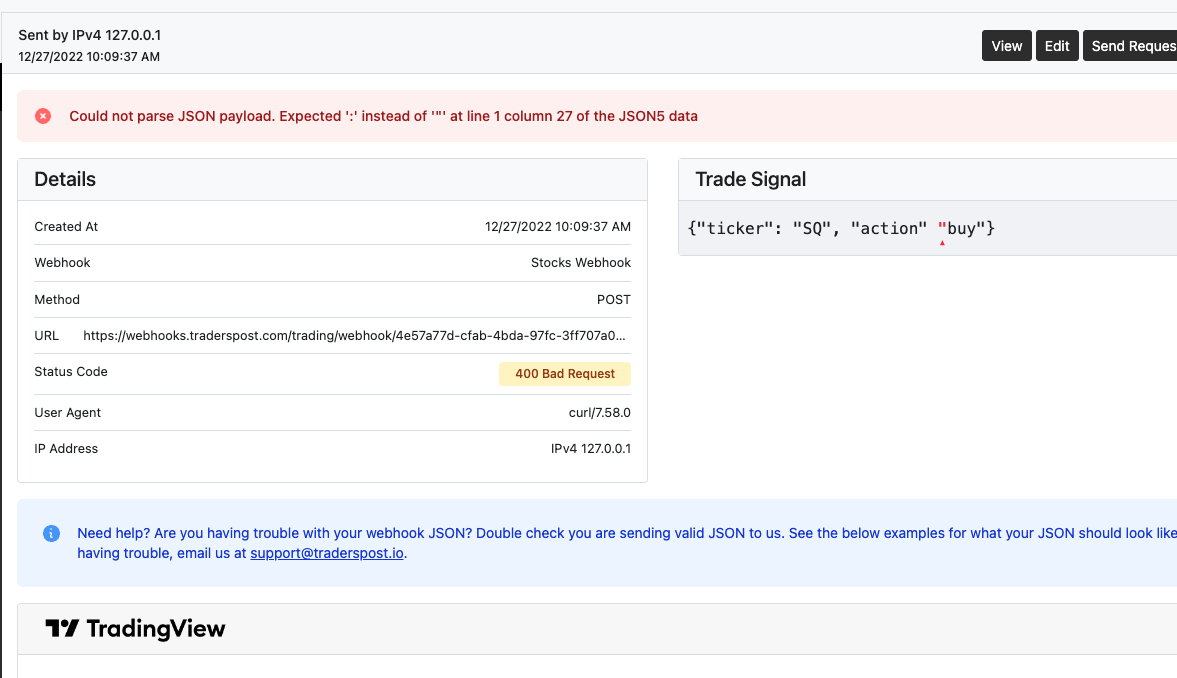
JSON Error
Notify Failures Only
You can now restrict notifications to only notify you of failures. If you go to your strategy subscription settings, you will see a Notifications section where you can setup your notifications.
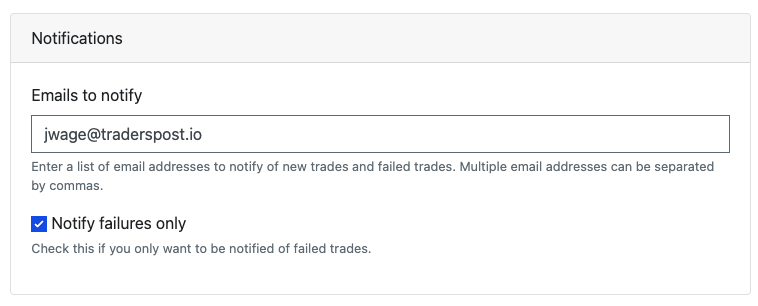
Strategy Subscription Notification Settings
Webhook Notifications
You will now find a similar section when editing webhooks. You can configure notifications for new and failed webhooks or restrict to only failed webhooks by checking Notify failures only.
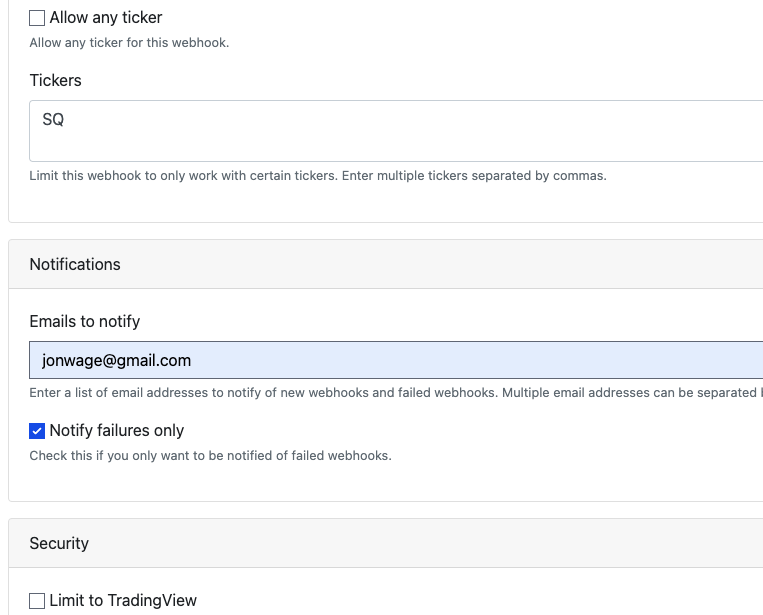
Webhook Notification Settings
Account Notification Settings
If you don't want to configure notification settings on each strategy subscription or webhook, under your Account Settings, you will see a new section for managing this.
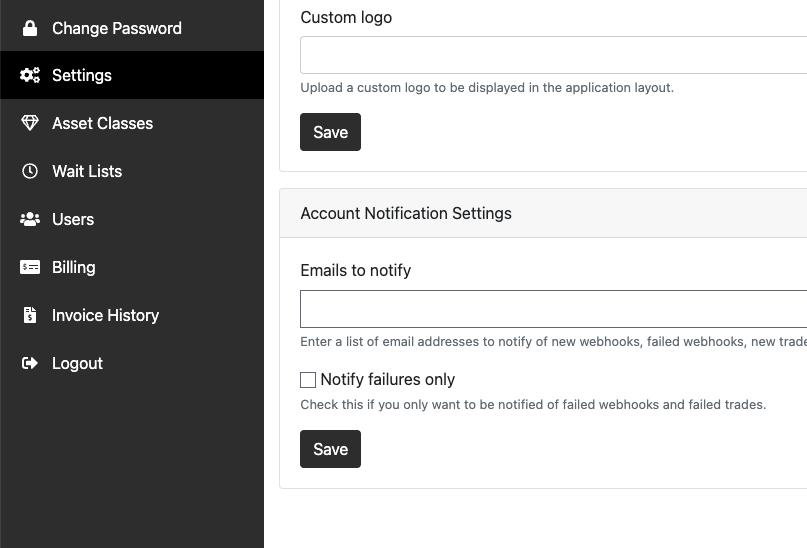
Account Notification Settings
Copy Webhook URL
The copy button next to a webhook URL will actually copy the URL now without you having to copy the URL manually.