Order Canceling
We have updated the order canceling feature from Disable canceling open orders to Enable canceling open orders. By default, new strategies will have this feature disabled. Existing strategies and subscriptions will remain backwards compatible with this feature enabled. For new strategies, however, you will need to opt-in to enable order canceling when necessary.
Order canceling requires additional API calls to the broker during trade planning and execution. To enhance performance, this capability is disabled by default since most users do not require it.
To determine the necessity of order canceling, consider if your broker setup includes take profit or stop loss instructions with your entry orders. If so, and you also issue exit signals via your strategy, enabling order canceling ensures existing orders are canceled before new exit orders are placed.

Invert Puts Setting
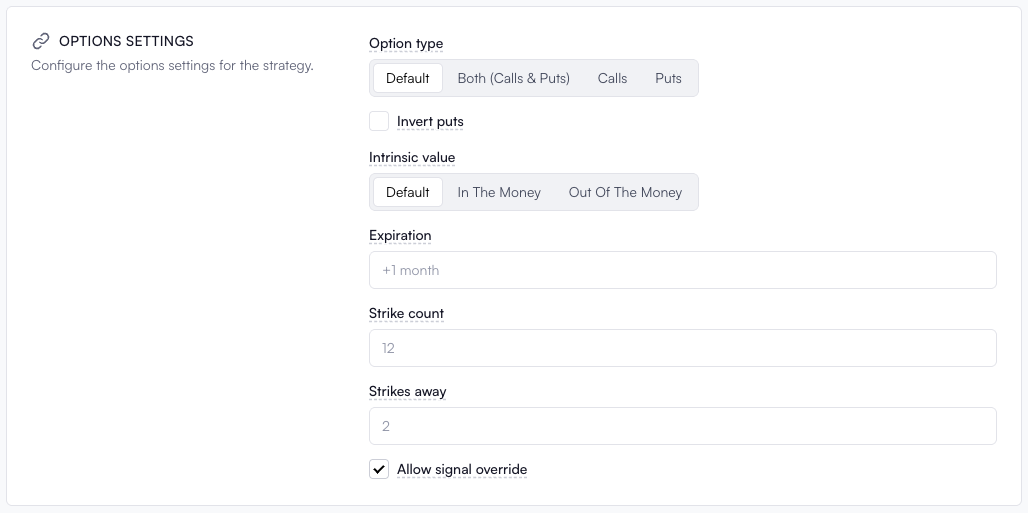
TradersPost previously used an implicit inversion logic for trading puts. With action=buy, it would sell to open short puts, and with action=sell, it would buy to open long puts. This approach aligned with trading puts on the underlying chart. However, with the introduction of options charts on TradingView, this logic is now explicitly controlled and is disabled by default.
To activate this behavior, you must enable the Invert puts setting while editing your options strategy.
Breakeven Action
We've introduced a new action, breakeven, for sending signals to TradersPost. Here's how it works:
- Action Requirement: Use
action=breakeven. - Order Type: Must specify
orderTypeas eitherstoporstop_limit. - Price Details: No need to specify
stopPriceorlimitPrice; these will auto-fill with the average entry price of the open position. - Position Requirement: Must have an open position; otherwise, the trade will be rejected.
{
    "ticker": "SPY",
    "action": "breakeven",
    "orderType": "stop"
}
You can also optionally configure a price offset in the Exit section of your strategy settings with the Exit breakeven offset field.
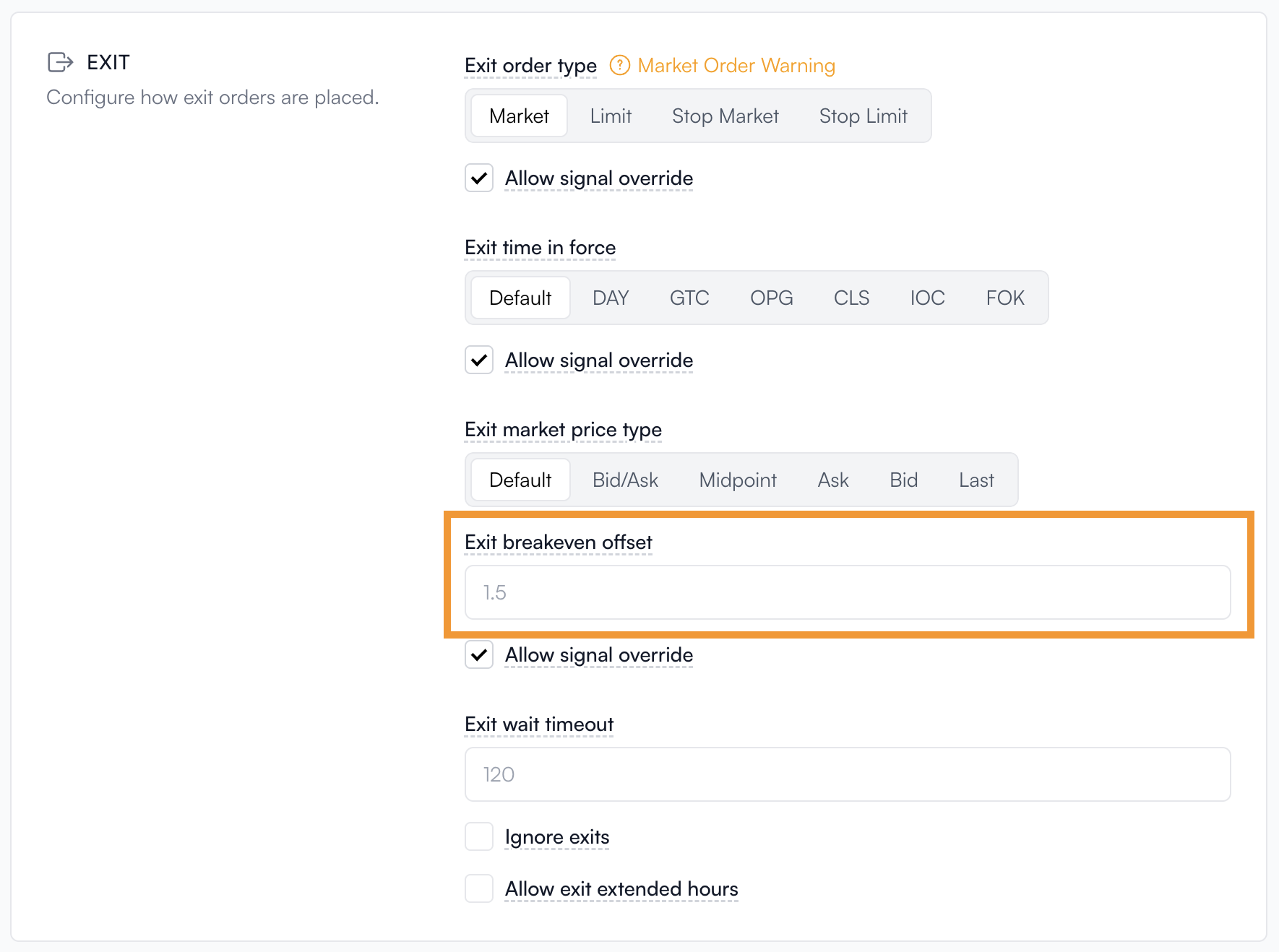
You also have the ability to override the Exit breakeven offset configured in the strategy settings by providing a breakevenOffset in your signal JSON.
{
    "ticker": "SPY",
    "action": "breakeven",
    "breakevenOffset": 5
}
Reverse Action
We have introduced a new action, reverse, that allows you to control whether or not to swap sides from the signal. This will override any existing settings in your strategy about which sides are allowed and if side swapping is enabled or not. For example, if you are long on SPY and want to be short, you can send action=reverse, and TradersPost will exit the long position and submit an order to enter short on the other side.
{
    "ticker": "SPY",
    "action": "reverse"
}
Entry Lockout Feature
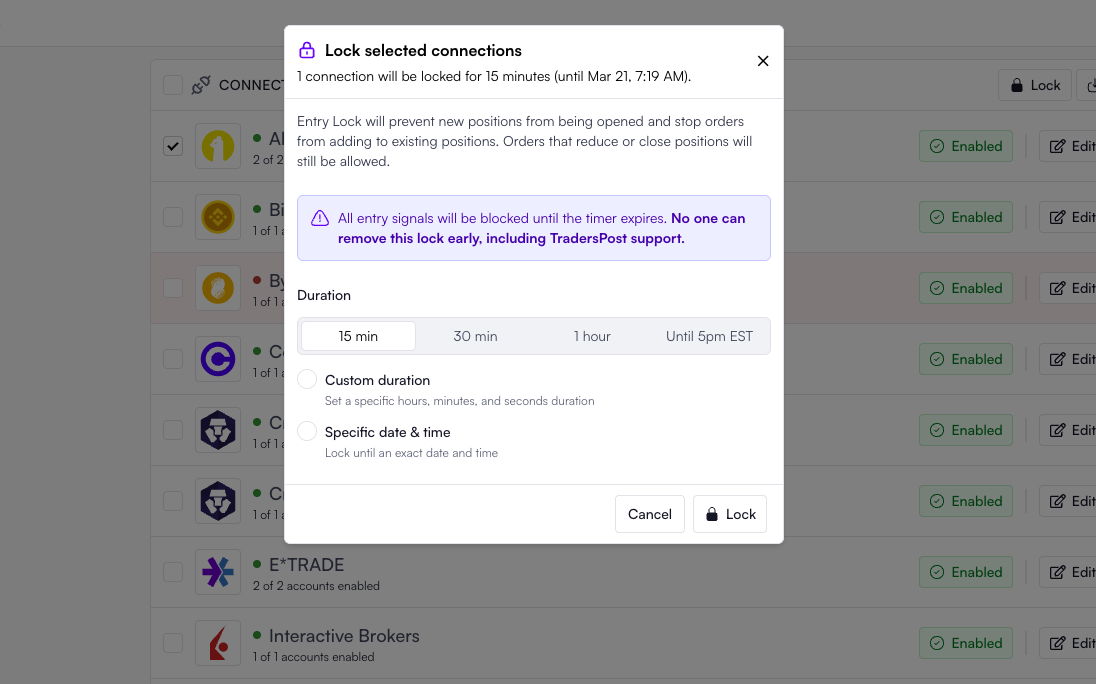
To help prevent overtrading, we've introduced a new account lockout feature. This allows you to temporarily block new entry orders on your account. When an account is locked, entry signals are blocked until the timer expires.
To maintain the integrity of this feature, you cannot delete your account while it is locked. This prevents attempts to bypass the lock by deleting and reconnecting the account.
Other Fixes
- Fixed a bug related to switching between
Risk %and other quantity calculation methods when editing strategy settings. - Fixed a bug with the TradersPost paper broker that caused incorrect cash balances when shorting crypto.